Cut, trim and split
Drag edges, split at the playhead, reorder by dragging. Transitions with one click.
Claude makes the whole video — motion, music, sound effects. EasyCut opens every part on its own track, so you can trim it, swap the music and export. Free, right in your browser.
This film was made by Claude, then finished in EasyCut. Every part you hear and see is its own track.
Describe what you want. Claude designs it, animates it and scores it — its own motion, music and sound effects.
Make a dynamic 40-second launch video for my app. Go all out: bold type, smooth camera moves, great music and sound effects. Open it in EasyCut.
The video, the titles, the music and each sound effect open as one project — lined up, labelled, ready.
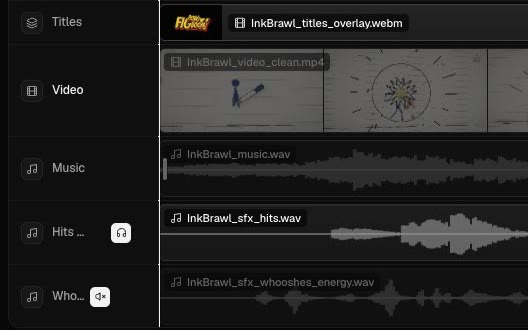
Trim a scene, mute a whoosh, drop in your own track, move the titles. Then export an MP4 up to 4K.
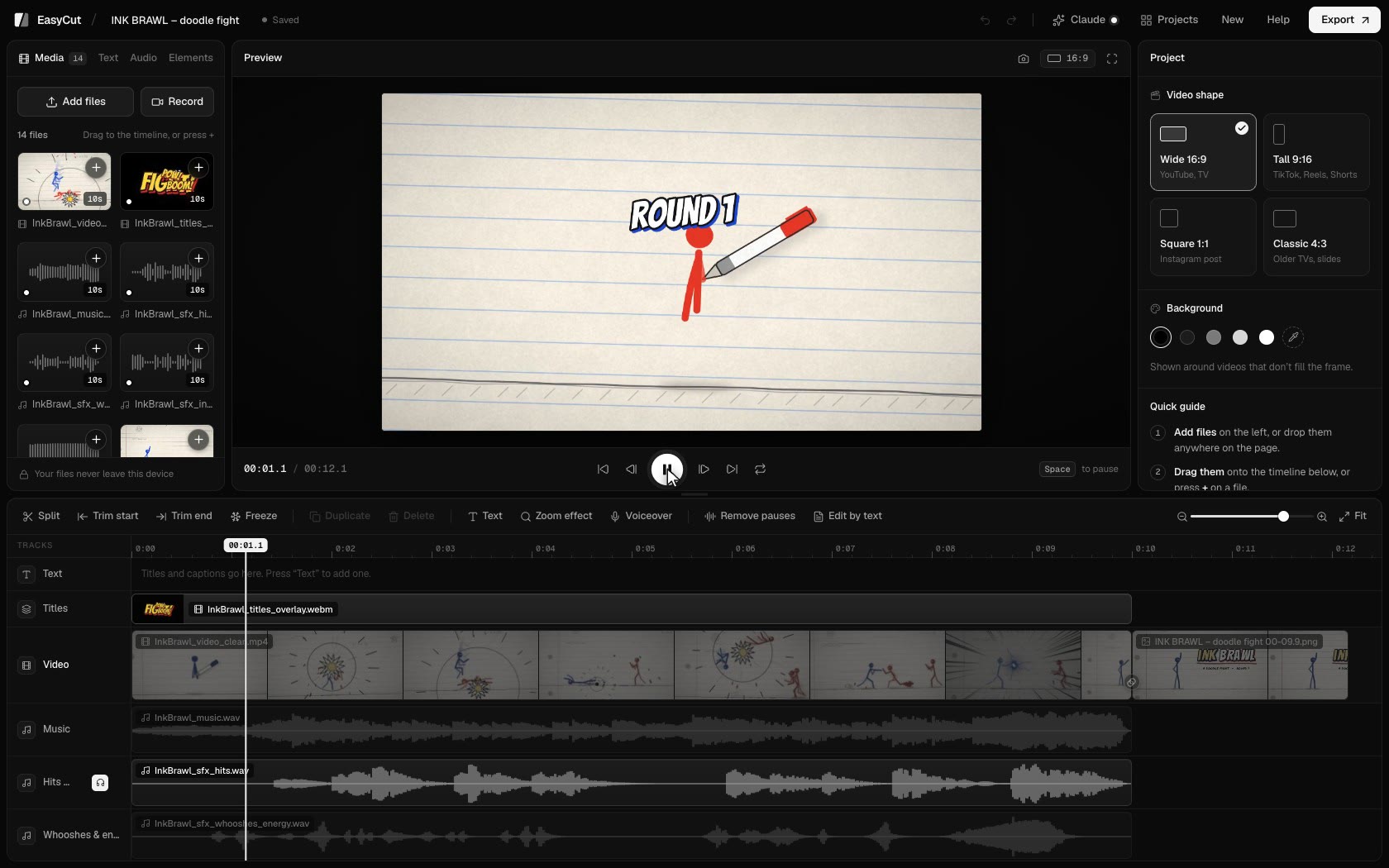
Drag edges, split at the playhead, reorder by dragging. Transitions with one click.
Take the silences out in one go — or cut words by crossing them out in the transcript.
Word-by-word captions, written on your computer. Save them as SRT or VTT too.
Search free music and sound effects, find the beat, and let music dip under your voice.
Your screen, your camera, or both — with your voice — straight onto the timeline.
Colour looks, green screen, split screen, blur boxes, shapes and stickers.
Voice clean-up, background removal and an AI voice — without uploading a thing.
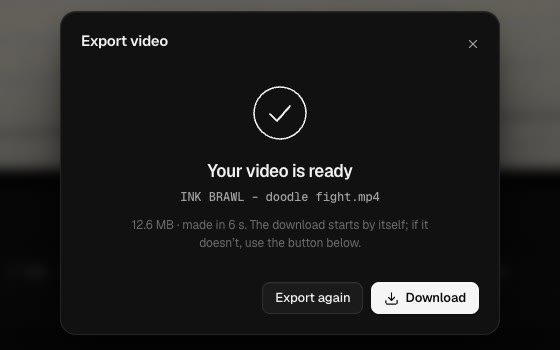
MP4 up to 4K and 60 fps, a GIF, or just the sound as MP3 or WAV. Faster than real time.
Every project saved in your browser, automatically. Take one anywhere as a single file.
EasyCut runs entirely in your browser: cutting, the AI features, the export. No upload, no account, no watermark.
Add the EasyCut connector to Claude. From then on, Claude can open the videos it makes straight in EasyCut, every part on its own track.
Download the EasyCut extension and open it. Claude asks to install it: press Install. Claude already has everything it needs to run it.
Run this once in a terminal:
claude mcp add easycut -- npx -y easycut-connector
Claude Code needs Node.js 18 or newer. Using claude.ai in the browser? Ask for the parts as downloads, then open them from EasyCut’s Claude panel.
Yes. No trial, no watermark, no account.
No. Everything happens in your browser, on your computer. The only downloads are the AI models (once, the first time you use a feature) and anything you pick from the free music and photo libraries.
Google Chrome and Microsoft Edge do everything, including export. Safari 16.4+ and Firefox 130+ can edit too. EasyCut is made for computers: on a phone, the screen is too small for a timeline.
Claude Desktop (install the EasyCut extension) or Claude Code (one command). Using claude.ai in your browser instead? Ask for the parts as downloads, then open them in EasyCut’s Claude panel.
Of course. EasyCut is a full editor: add your own videos, photos and music, or record your screen and camera.
In your browser, on this computer, as you work. To move a project, save it as a single .easycut file from Projects.